
My brother gave me his Apple iPod Nano because he’s now just using his iPhone and it’s sweet, but it’s paired to his Mac. I have a Dell laptop running Windows 7, tho, and want to put my music on it. What’s the easy way to reformat it and start from scratch with my iPod?
Though it may not seem like it, your iPod has a hard disk inside of it, which means that it has to be formatted so that the appropriate computer operating system can read it and understand what’s on the drive. And that means that, yup, there are Mac-friendly iPods and there are PC-friendly iPods, depending on how they were configured when first setup.
Fortunately, if you’re willing to wipe it clean of all data, this process can be reversed and a PC-formatted iPod can become a Mac-friendly one and vice versa. This is what you need to do with your own iPod Nano because it’s not that it’s paired to another computer that’s the problem (though that is a problem) but that it’s paired to another computer and that computer was running a different OS to you.
No fear, though, once you get past the warning windows that are going to pop up fast and furious when you plug it into your Dell Win7 PC, it’s not too bad a process.
Again, though, a warning: this process deletes everything on the iPod. If you want to save stuff, you’ll need to enlist your brother’s help (or just ask him to email you the songs you really like).
When you first plug in the iPod Nano to your Windows 7 laptop, Windows itself will detect a device that isn’t formatted for its OS and complain:
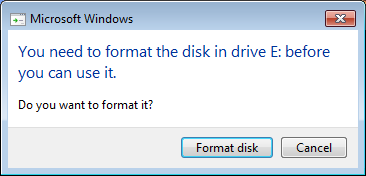
This you can safely ignore. Click on “Cancel”. What you want is for iTunes to reformat the device, not Windows.
Speaking of which, I trust you have the latest copy of iTunes installed on your PC? If not, then grab a copy here: download iTunes.
Now start iTunes and it too will have a warning message:
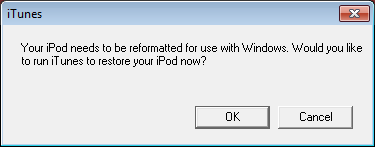
This dialog box you want to answer by clicking on “OK”, which will cause iTunes to have a closer look at the iPod and realize that…

Okay, that’s what we’re trying to accomplish! Click “OK” and it’s quite possible you’ll see that your version of iTunes is out of date…

Slight sidetrack, but it’s important to stay current with iTunes, particularly if we’re restoring (e.g., deleting all the data and reformatting) an iPod. I click on “Download iTunes” and Windows 7 jumps in to confirm that I want to allow iTunes to update itself:
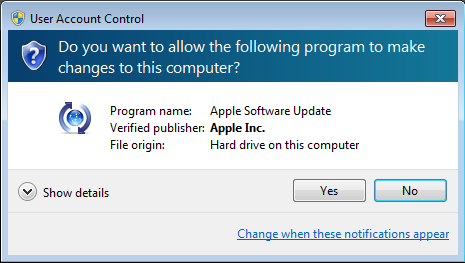
Choose “Yes” and iTunes downloads the update and restarts itself. Sidetrack complete.
Now, where were we? Oh yes, restoring the iPod. In iTunes, this is now what you’ll see:
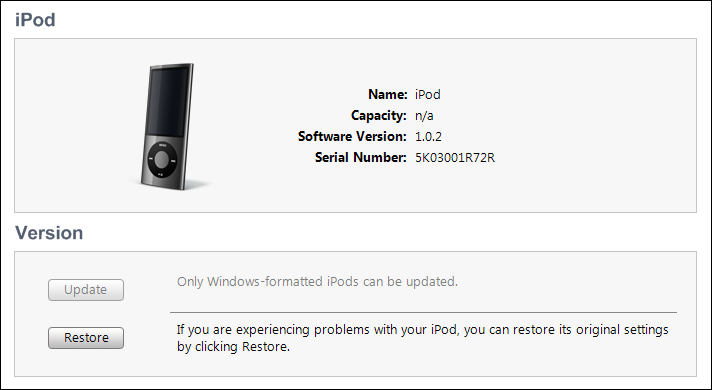
You need to click on the “Restore” button here. Notice, by the way, that iTunes can’t figure out what size iPod it is, but it can figure out the style and color. Interesting!
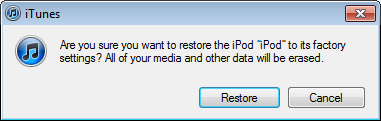
That’s fine. We want to proceed and I’ve already warned you that it’s going to erase all the data — and songs — on the device. Click “Restore” and it’s quite likely that you’ll find out that the iPod itself has an upgrade pending too:
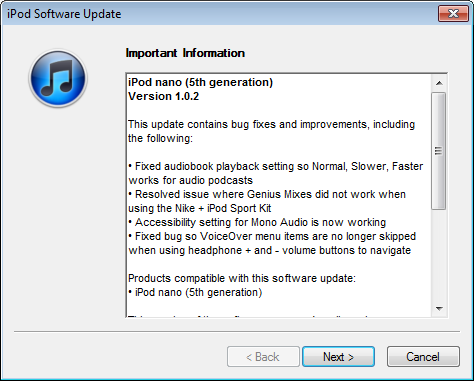
Choose “Next” and it’ll download the iPod Nano firmware update…

Once it downloads, it’ll apply the update automatically as part of the restore process:
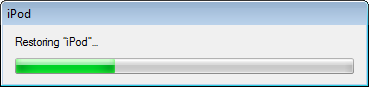
After a few minutes it’s done and you just have to wait for the system to boot the iPod and reconnect:

You can click “OK” or you can just be patient and let it work by itself.
Eventually the iPod restarts and reattaches to your Win7 system, and now iTunes recognizes it as a brand new device, ready to be named and setup to your preferences:
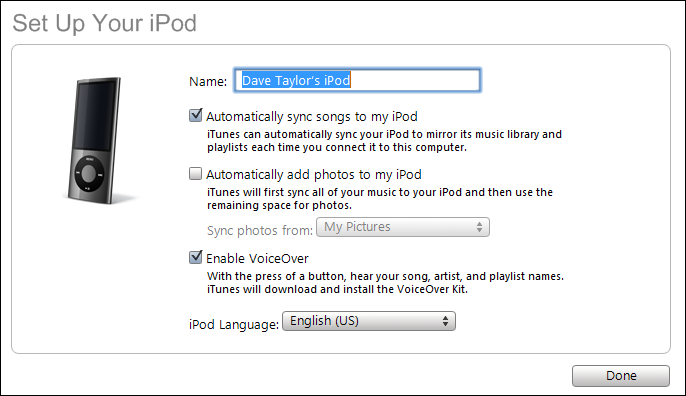
At this point you’re ready to copy music, videos, photos, and anything else you’d like to have on what has become your brand-new, empty iPod Nano. Good luck!
hi there, thanks for help w/ display imgs for ipod mac/ itune format.
my dad gave me a ipod nano 7th generation, the I connect it to my computer to sync music already had in itunes, he left a warning that itunes detected a formatting macintosh to ipod and that this needs to be restored to use with windows. when I give the accept button I get a new window that says iTunes could not contact the server ipod software updates that is not connected to the internet where they send me to make sure you have a good internet connection. I do not understand is that the computer have the perfect internet and the ipod nano 7th generation does not suit you the option to connect to the internet.
i am getting a error with this message
the iPOD software update server could not be contacted
kindly help me this error
Alternatively, just install the free NTFS-3G on you Mac, and then you should have no problem using the Windows-formatted iPod as is.