
I love using Twitter but don’t like that it identifies my current location. Can I hide it or pick a different location?
You’re right to be conscious of privacy issues when it comes to social media. Used to be that when you posted a photograph, for example, the EXIF information would include the exact latitude and longitude where the photo was taken, which proved hugely problematic for kids posting selfies from their bedrooms. Fortunately that one’s long been fixed, but even specifying your city is more than a lot of people prefer when it comes to their online privacy.
There are a number of ways to address your request, ranging from having some fun with location and picking exotic locations for your tweets to going into your Twitter account settings and disabling all location information for your account. Depends how you want to deal with the situation, of course.
Let’s start with the big guns. If you want to permanently turn off all location information on your tweets then go into Settings > Privacy and Safety and find this section:
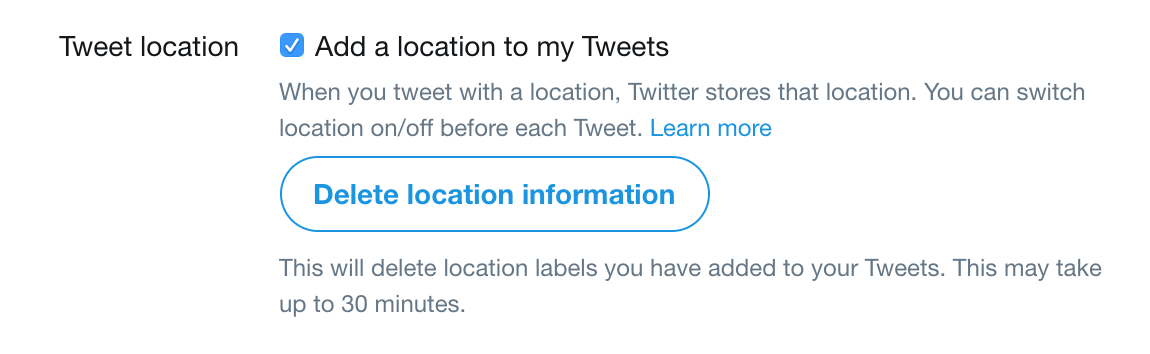
If you have this unchecked, of course, you can’t really play with other locations because Twitter just hides the location info completely. Also pay attention to the big “Delete location information” button: it lets you retroactively delete all location information from your Tweets, which is a great option if you never realized that location is added by default.
But let’s go down the more fun route and pretend we’re in Paris, France instead. Click to post a new a tweet on the Web site:
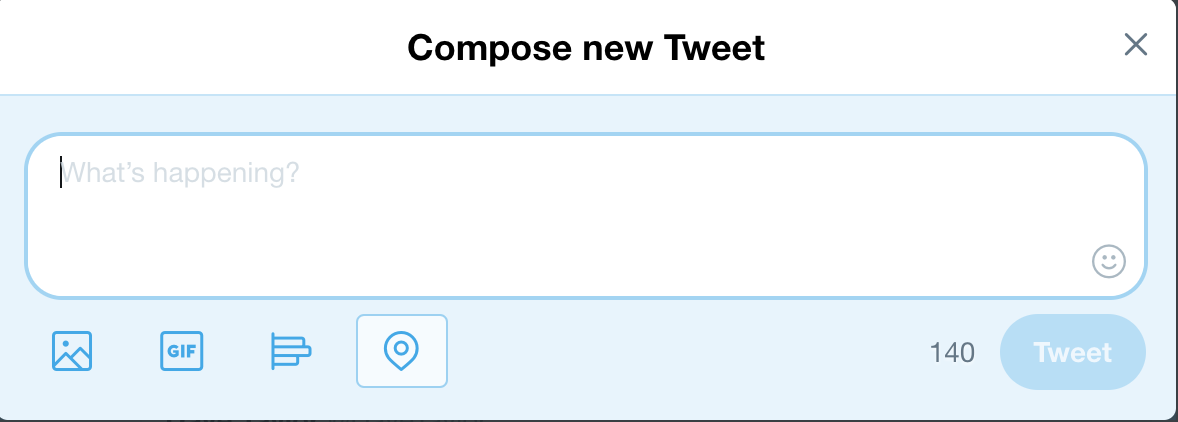
The concentric circles icon with the light blue square around it is the location option and by having the box it shows that there is a location that will be included in the tweet. Click on it to see your options:

You can see that I’m based in Colorado so it’s giving me various options and has checked “Denver, CO” as the current default location (which is interesting since I’m about 30mi away from Denver as I type this). I can turn off location by choosing the “Turn off location” option on the very bottom (highlighted) and that’ll be remembererd until I change it back.
But Paris beckons…

Who knew there were so many cities called Paris in the United States? I want the real one though, in France, so I’ll select that, then compose a reasonably legit sounding tweet:

Nice, eh? I could even post a photo from a previous trip to Paris – or one I grab off the Internet – to make it even more believable. When people check out the tweet, it really does look like it’s posted from Paris too:
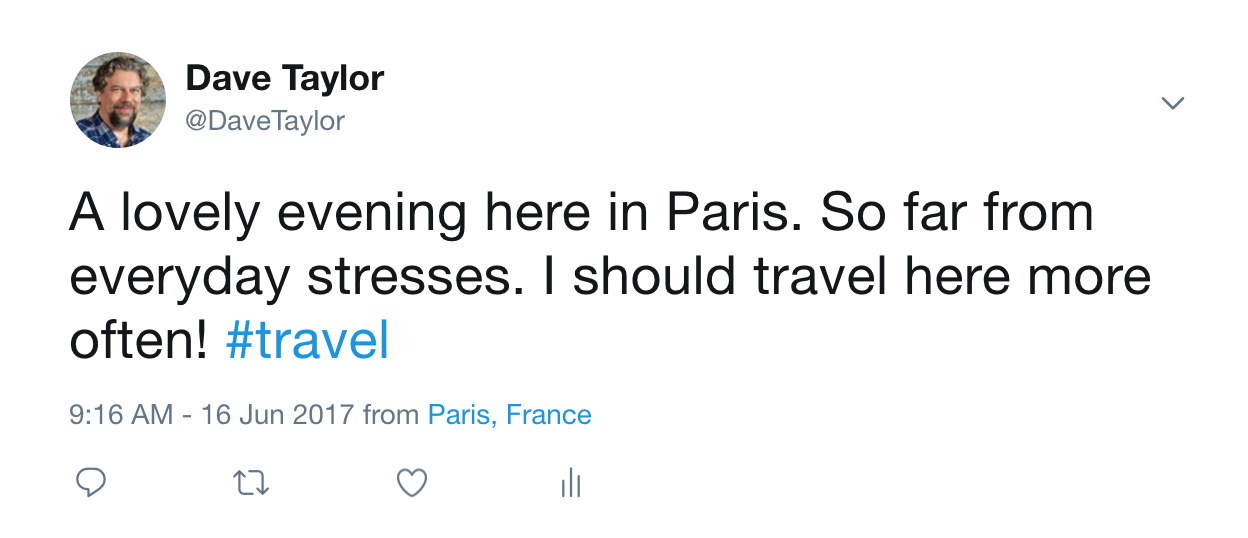
And now you know how you can pretend to travel the world in social media. I mean, you don’t believe everything you read online, do you? 🙂
Handy tip: Twitter remembers the last location you specified, so you probably want to restore it to your own neighborhood after you’re done tricking your friends. And, sadly, you can’t enter weird locations like “Moon Base Alpha”. Sorry!
While we’re talking in italics, why not follow me on Twitter too? I’m @DaveTaylor and I post quite a bit!